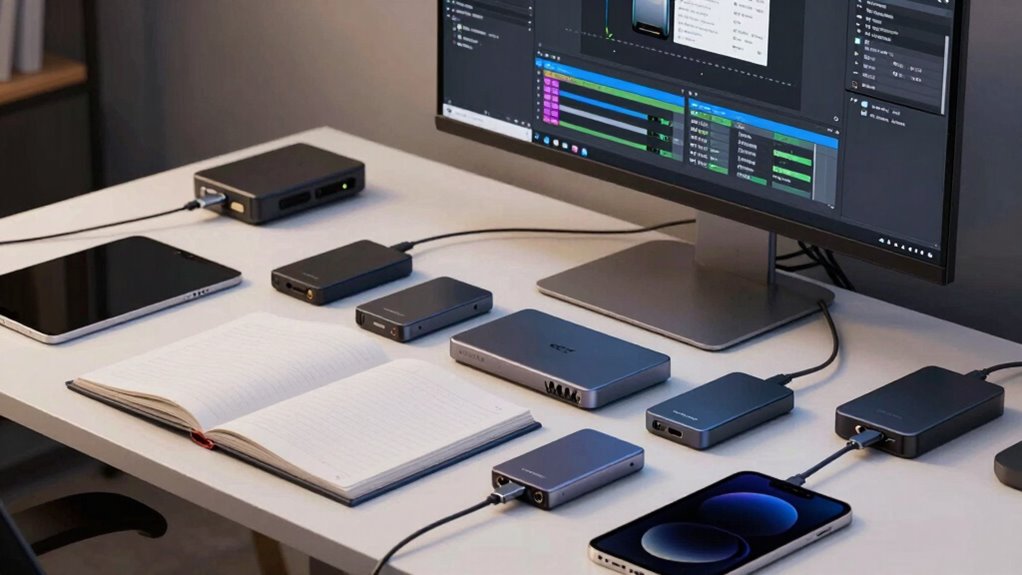
While external SSDs boost your workflow with fast speeds and portability, relying solely on them puts your creative archives at risk. Hardware failures, theft, or accidental damage can lead to permanent data loss. They don’t provide off-site backup or protection against cyber threats. To truly safeguard your work, it’s vital to pair SSDs with cloud backups and security measures. If you want to guarantee your files stay safe, understanding the full picture is key.
Key Takeaways
- External SSDs are vulnerable to hardware failure, theft, and physical damage, risking data loss.
- Relying solely on SSDs lacks off-site backup, increasing vulnerability to catastrophic events.
- SSDs do not provide automatic or continuous backups, requiring additional solutions for data security.
- Physical devices can be misplaced or stolen, making them unreliable as sole storage for critical archives.
- Combining SSDs with cloud backups and encryption ensures greater data redundancy and security.
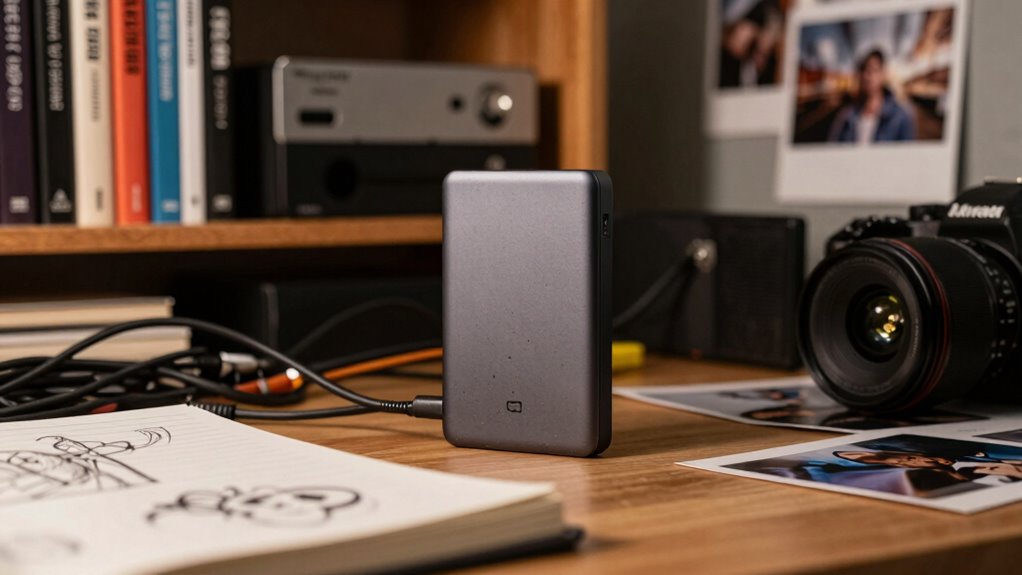
Are external SSDs essential tools for creators? Absolutely, they offer fast transfer speeds, portability, and reliable performance—crucial for handling large files like high-resolution videos or complex designs. But if you think that simply owning an external SSD makes your archive bulletproof, think again. While these drives are indispensable components of your workflow, they shouldn’t be your only line of defense. Relying solely on an external SSD leaves you vulnerable to data loss from hardware failure, theft, or accidental damage. That’s why integrating cloud backup into your storage strategy is essential. Cloud services provide off-site redundancy, ensuring that even if your physical drives are compromised, your files remain safe and accessible. This redundancy is especially important for creators who work remotely or need to collaborate across different locations.
External SSDs are vital but insufficient alone; combine with cloud backups for comprehensive data security and peace of mind.
In addition to backing up to the cloud, data encryption becomes a necessity when safeguarding sensitive or valuable content. External drives can be encrypted to prevent unauthorized access if they fall into the wrong hands, but encryption alone doesn’t eliminate the risk of loss. It simply shields your data from prying eyes. Combining data encryption with regular cloud backups creates a layered security approach that enhances your peace of mind. You protect your work from both physical threats and cyber vulnerabilities, ensuring your creative output remains intact and confidential. Moreover, understanding storage technology helps you choose the right solutions to maximize reliability and performance. Familiarity with digital storage options can guide you in selecting the most suitable devices and strategies for your needs.
Another aspect to consider is that external SSDs, despite their speed and convenience, are still physical devices susceptible to damage or failure. Mechanical issues, firmware corruption, or accidental disconnection can jeopardize your work, especially if you haven’t implemented a robust backup system. Plus, external drives are easy to misplace or steal, making them unreliable as sole storage solutions for critical archives. Implementing multiple backup layers by diversifying your storage options reduces the risk of catastrophic data loss. By contrast, cloud backup offers automatic, continuous synchronization, reducing the risk of missing updates or losing recent changes. This way, your files are always up-to-date and recoverable from anywhere. Additionally, understanding data redundancy helps you see why multiple copies across different platforms are vital for true data security.
Furthermore, understanding affiliate marketing and privacy policies is crucial when choosing storage solutions, as many providers may collect user data or generate commissions through referrals. In essence, external SSDs are excellent tools for active work and temporary storage, but they shouldn’t be your only solution for serious creator archives. Combining them with cloud backup and data encryption forms a complete security strategy. This approach not only safeguards your files against hardware failure or theft but also provides peace of mind, knowing your creative legacy is protected across multiple layers. Relying solely on external SSDs overlooks the importance of redundancy and security, which are crucial for maintaining the integrity and confidentiality of your most valuable work.

SANDISK 1TB Extreme Portable SSD (Old Model) – Up to 1050MB/s, USB-C, USB 3.2 Gen 2, IP65 Water and Dust Resistance, Updated Firmware – External Solid State Drive – SDSSDE61-1T00-G25
Get NVMe solid state performance with up to 1050MB/s read and 1000MB/s write speeds in a portable, high-capacity…
As an affiliate, we earn on qualifying purchases.
As an affiliate, we earn on qualifying purchases.
Frequently Asked Questions
How Do External SSDS Compare in Durability to Internal Drives?
External SSDs generally aren’t as durable as internal drives because they’re more exposed to physical damage and environmental risks. While they often include data encryption to protect your files, their physical durability depends on ruggedness and build quality. Internal drives are better shielded inside your computer, making them more resistant to shocks and drops. For serious creator archives, investing in high-quality external drives with robust physical durability and encryption is essential.
Can External SSDS Handle Continuous, Heavy Data Transfers Without Failure?
External SSDs can handle continuous, heavy data transfers, but they aren’t foolproof. About 60% of failures happen after prolonged use, risking data loss. While they’re fast, relying solely on them isn’t smart; cloud backups add a layer of security, ensuring your files stay safe. Encryption security protects your data during transfers and storage, making external SSDs suitable for daily use but not the only solution for serious archiving needs.
What Are the Security Risks of Storing Archives on External SSDS?
Storing archives on external SSDs exposes you to security risks like encryption vulnerabilities, which could allow hackers to access your data if encryption isn’t strong enough. Theft prevention is also essential; if your drive gets stolen, sensitive data could be compromised. Always use robust encryption, enable password protection, and keep backups elsewhere to minimize these risks and protect your valuable archives.
How Does Data Recovery Differ Between External SSDS and Other Storage Options?
Think of data recovery like steering through a maze; external SSDs can be tricky, often requiring professional help if they fail, making recovery uncertain. Other options like cloud backup offer smoother paths, with data encryption and remote access simplifying recovery. While SSDs are fast, cloud services provide more reliable, accessible solutions. So, if disaster strikes, cloud backups become your safety net, ensuring your archives stay protected and recoverable.
Are There Specific External SSD Brands Recommended for Professional Creators?
For professional creators, brands like Samsung, SanDisk, and LaCie stand out for external SSDs. You should also consider cloud backup options to safeguard your data and explore RAID configurations for redundancy and performance. These features help guarantee your work stays protected and accessible, especially when dealing with large files and critical projects. Investing in reputable brands with robust backup and RAID support makes a significant difference in your archival strategy.
cloud backup service for creators
As an affiliate, we earn on qualifying purchases.
As an affiliate, we earn on qualifying purchases.
Conclusion
While external SSDs offer fast, portable storage, they often fall short for serious creators needing long-term archives. Did you know that over 50% of data stored on external drives is lost or corrupted within five years? Relying solely on SSDs can leave your work vulnerable to hardware failure or obsolescence. To truly safeguard your creative legacy, consider combining multiple storage solutions, including cloud backups and dedicated archive systems. Protect your work before it’s too late.

Samsung T7 Portable SSD, 1TB External Solid State Drive, Speeds Up to 1,050MB/s, USB 3.2 Gen 2, Reliable Storage for Gaming, Students, Professionals, MU-PC1T0T/AM, Gray
MADE FOR THE MAKERS: Create; Explore; Store; The T7 Portable SSD delivers fast speeds and durable features to…
As an affiliate, we earn on qualifying purchases.
As an affiliate, we earn on qualifying purchases.

Backup Pro 27 – Backup solution – Image Backup – Data backup programme, rescue in case of malware attack, defective hard drive or Windows crashes – compatible with Windows 11, 10
Backup, save and restore data – it's easy! Rescue in the event of a malware attack, defective hard…
As an affiliate, we earn on qualifying purchases.
As an affiliate, we earn on qualifying purchases.