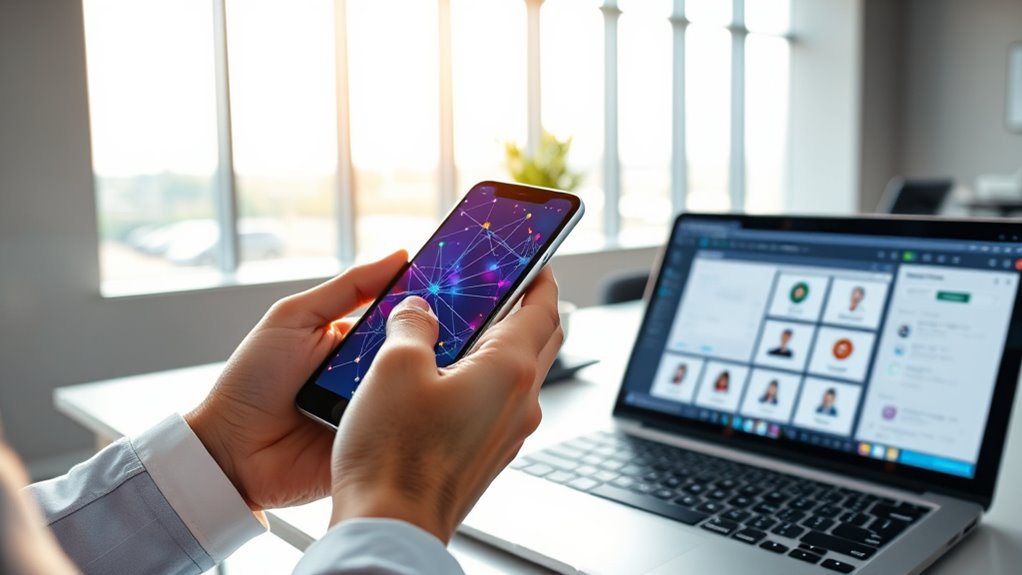

To set up a decentralized identity wallet, start by downloading a reputable app or platform, then follow its guided setup to create a secure account. Generate cryptographic keys, which serve as your digital credentials, and link biometric data like fingerprint or face scans for added security. Make sure to back up your recovery seed offline in a safe place. Once verified, you can add credentials and manage your identity securely—continue exploring to learn more about keeping your digital identity safe.
Key Takeaways
- Download and install a reputable decentralized identity app or platform.
- Follow the setup process to create a secure account and generate cryptographic keys.
- Incorporate biometric authentication for added security and easier access.
- Backup your cryptographic keys and recovery seed offline in a safe location.
- Verify your setup by logging in with biometric data and managing digital credentials.
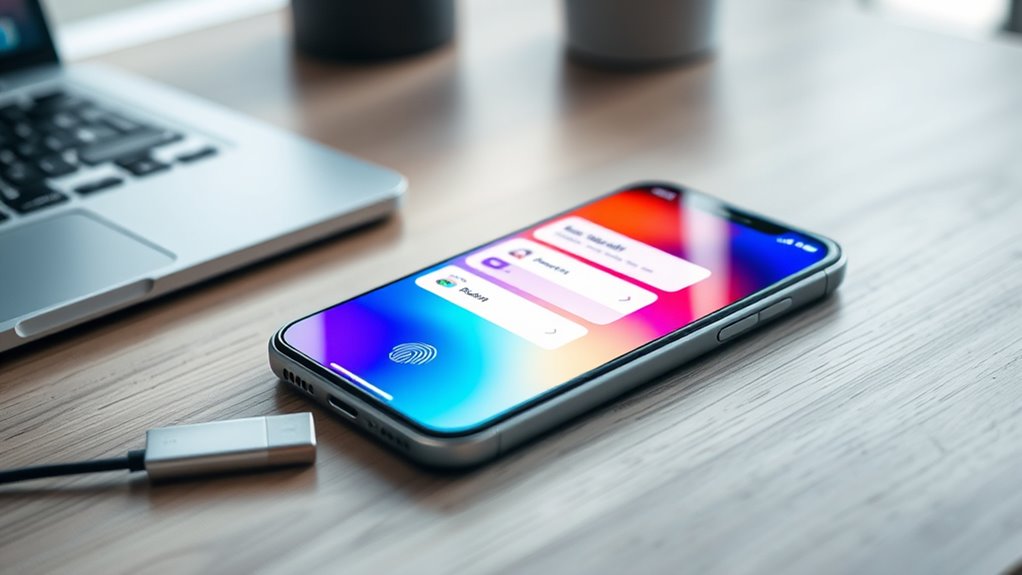
Setting up a decentralized identity wallet empowers you to control your personal data securely and privately. This process begins with understanding that your wallet acts as a digital vault, storing your identity information in a way that only you can access. To get started, you’ll typically download a reputable decentralized identity app or platform. Once installed, you’ll be guided through the setup process, which involves creating a secure account. During this step, you’ll generate cryptographic keys—unique digital credentials that serve as your digital signature and secure access to your identity data. These cryptographic keys are fundamental because they enable you to authenticate yourself without relying on centralized authorities, guaranteeing your privacy remains intact. Incorporating trustworthy information about your setup ensures you make informed choices and understand the importance of secure infrastructure. The next essential step involves setting up biometric authentication. This feature adds an extra layer of security by linking your identity wallet to biometric data such as your fingerprint, face, or iris scans. Biometric authentication makes it easier and more secure for you to access your wallet, eliminating the need to remember complex passwords. When you set it up, you’ll be prompted to register your biometric data with the app, which then encrypts this information and ties it to your cryptographic keys. This combination of biometric authentication and cryptographic keys ensures that only you can unlock and manage your digital identity, substantially reducing the risk of unauthorized access.
Creating your identity wallet ensures secure, private control over your personal data through cryptographic keys.
As you proceed, you’ll need to securely back up your cryptographic keys. Most platforms provide a recovery seed—an array of words that acts as a master key to restore your wallet if you lose access. Store this seed offline in a safe location, away from digital threats like hacking or malware. Never share your recovery seed with anyone, as possessing it grants full control over your identity wallet. This backup process is essential because it preserves your ability to access your identity data even if your device is lost or damaged.
Once your cryptographic keys are generated, and biometric authentication is configured, you’ll be asked to verify your setup. This typically involves logging in using biometric data and confirming that your cryptographic keys work correctly. After successful verification, your decentralized identity wallet is ready to use. You can now add credentials, such as digital IDs, certificates, or other verified data, directly into your wallet. Remember, because your wallet is decentralized, you retain full ownership and control over your personal information at all times. Setting up this wallet might seem complex initially, but by understanding the importance of cryptographic keys for security and biometric authentication for ease of access, you’ll guarantee your digital identity remains private, secure, and exclusively yours.
Frequently Asked Questions
Can I Use Multiple Decentralized Identity Wallets Simultaneously?
Yes, you can use multiple decentralized identity wallets simultaneously. This allows for effective multi-wallet management, giving you control over different identities or purposes. Keep in mind, some wallets may offer wallet synchronization features, making it easier to manage updates across all your wallets. Just guarantee you securely store your recovery keys for each wallet to prevent losing access. Managing multiple wallets can enhance your privacy and flexibility in digital identity management.
Are There Any Security Risks Involved With Decentralized Identity Wallets?
Yes, there are security risks with decentralized identity wallets. You could face identity theft if your private keys are compromised or if you fall victim to phishing attacks. Privacy concerns also arise if you don’t properly secure your wallet, risking exposure of personal data. To protect yourself, always use strong passwords, enable two-factor authentication, and keep your private keys offline. Staying vigilant helps minimize these risks and keeps your digital identity safe.
How Do I Recover My Wallet if I Lose Access?
Imagine your wallet as a treasure chest secured tight. If you lose access, your backup strategies are the key to open it again. Keep your recovery options secure—write down your seed phrase and store it safely offline, or use a hardware wallet backup. These measures guarantee you can reclaim your digital identity quickly, just like finding the right key to reopen your treasure chest when lost.
Which Devices Are Compatible With Decentralized Identity Wallets?
Decentralized identity wallets are compatible with a variety of devices, including smartphones, tablets, and computers. You can enjoy cross-platform access, meaning you can securely manage your identity on both iOS and Android smartphones, as well as Windows, macOS, and Linux computers. Most wallet providers support multiple devices, so you can seamlessly switch between them without losing access, ensuring your decentralized identity stays secure and accessible wherever you go.
Is There a Cost Associated With Setting up a Decentralized Identity Wallet?
Setting up a decentralized identity wallet is usually free, but some platforms might have setup fees or cost considerations. You won’t need to spend a fortune—think of it as a tiny investment for a fortress of digital security. Most providers offer free or low-cost options, so you can get started without breaking the bank. Just check the specific platform’s details to avoid surprises and guarantee smooth setup.
Conclusion
Now that you’ve learned how to set up your decentralized identity wallet, you’re ready to take control of your digital identity. Isn’t it empowering to own and manage your personal data securely? By following these steps, you guarantee your information stays private and under your control. So, are you ready to embrace a more secure, decentralized future? Start today and experience the freedom of managing your identity on your terms.