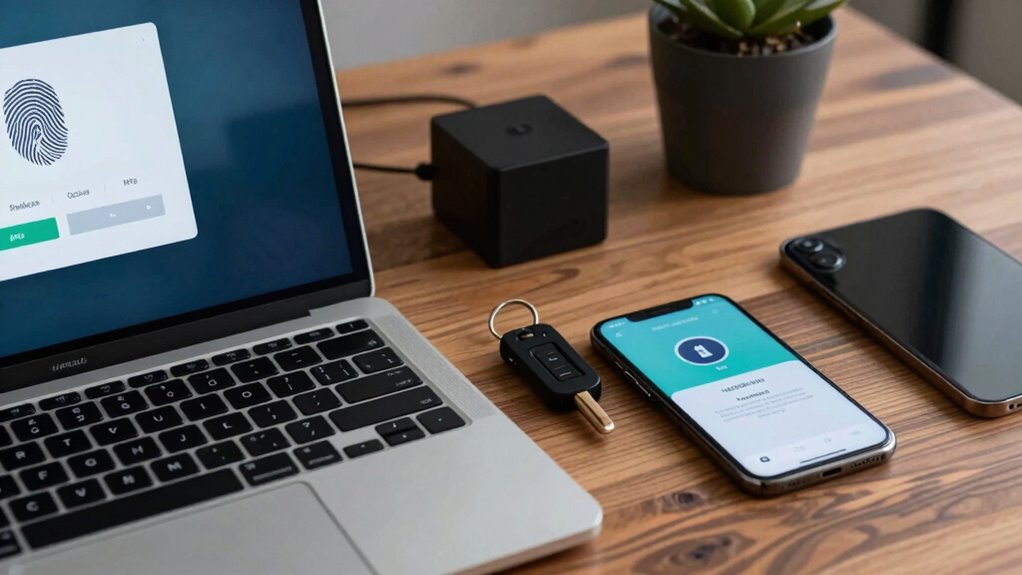

To keep your Exchange accounts safer, use passkeys and multi-factor authentication (MFA) to add strong layers of security. Passkeys replace passwords with cryptographic keys stored on your device, making it almost impossible for hackers to access your info. MFA requires you to verify your identity through multiple methods, like biometric data or secure codes, reducing the risk of unauthorized access. Keep exploring how these advanced protections can make your account even safer.
Key Takeaways
- Enable MFA on your Exchange accounts to add multiple layers of verification beyond passwords.
- Use passkeys for passwordless login, leveraging cryptographic keys for enhanced security.
- Incorporate biometric authentication options like fingerprint or facial recognition for quick, secure access.
- Regularly update and review security settings to ensure MFA and passkey features remain active and effective.
- Educate users on recognizing phishing attempts and the importance of secure authentication practices.
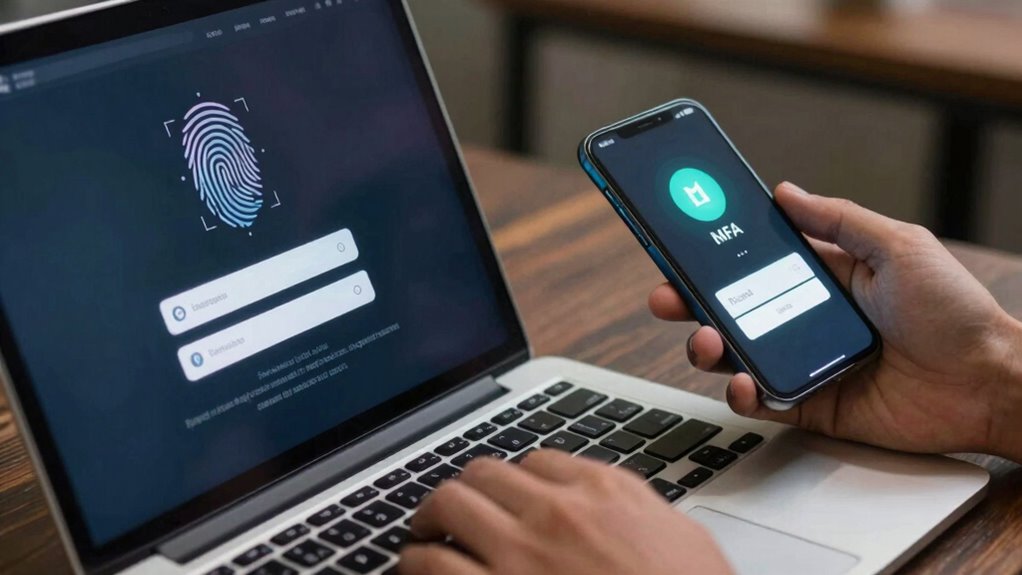
Securing your Exchange accounts is essential to protect sensitive information and prevent unauthorized access. As cyber threats become more sophisticated, relying solely on traditional passwords isn’t enough. Instead, you should explore modern security measures like biometric authentication and passwordless login to bolster your defenses. These methods make it harder for attackers to gain entry, while also simplifying your login process.
Biometric authentication offers a highly secure way to verify your identity. By using your fingerprints, facial recognition, or other biometric data, you eliminate the need for passwords that can be guessed or stolen. When you enable biometric authentication on your device or within your Exchange account, access becomes much faster and more secure. Fingerprint scanners or facial recognition systems are difficult for hackers to replicate, providing an extra layer of protection that’s both convenient and reliable. This method significantly reduces the risk of phishing attacks or credential theft, because even if someone manages to steal your credentials, they can’t bypass biometric verification without access to your physical biometric data.
Biometric authentication enhances security with fingerprint and facial recognition, making unauthorized access nearly impossible.
Passwordless login takes security a step further by removing the traditional password from the equation entirely. Instead, it relies on cryptographic keys or authentication apps that verify your identity through secure tokens or push notifications. When you attempt to log in, you receive a prompt or use a biometric method to approve the login, making it virtually impossible for someone else to impersonate you. This approach not only enhances security but also improves user experience—no more struggling to remember complex passwords or changing them frequently. Incorporating modern authentication methods like these can significantly strengthen your overall security posture. Additionally, using multi-factor authentication (MFA) provides an extra layer of protection by requiring multiple forms of verification for access. Implementing security best practices can further reduce potential vulnerabilities and improve your defenses against cyber threats.

Digital Persona 88003-001U.are.u 4500 Reader 70" Cable
Target Applications – Desktop PC security, Mobile PCs, Custom applications
As an affiliate, we earn on qualifying purchases.
As an affiliate, we earn on qualifying purchases.
Frequently Asked Questions
Can Passkeys Be Used on All Devices and Operating Systems?
Passkeys are increasingly supported across many devices and operating systems, but device compatibility can vary. Most major platforms now offer cross-platform support, allowing you to use passkeys on smartphones, tablets, and desktops. However, some older devices or less common OS versions might not fully support them yet. To guarantee seamless security, check each device’s compatibility and update your system when possible, so you can enjoy the benefits of passkeys everywhere.
What Are the Common Pitfalls When Implementing MFA?
When implementing MFA, watch out for common pitfalls like overlooking multi-factor vulnerabilities, which can be exploited by attackers. You might also underestimate phishing prevention, leading to social engineering attacks bypassing MFA. Make sure you select strong authentication methods, educate users about security risks, and regularly update your MFA systems. Avoid relying solely on one factor, and always integrate thorough security protocols to protect your exchange accounts effectively.
How Often Should I Update My Exchange Account Security Settings?
You should update your Exchange account security settings every three to six months. For example, a company that neglected regular password rotation faced a breach, highlighting the importance of timely updates. Conduct security audits during each update to identify vulnerabilities. Regular updates guarantee MFA and passkeys remain effective, reducing risks. Staying proactive keeps your account protected against evolving threats, and maintaining routine check-ins is key to long-term security.
Are Passkeys More Secure Than Traditional Passwords?
Passkeys are generally more secure than traditional passwords because they rely on cryptographic keys, making them harder for hackers to steal or guess. They also reduce issues related to poor password complexity and reuse. To maximize security, make sure you educate users about the importance of strong passkeys and avoid common pitfalls. This combination helps protect your Exchange accounts by minimizing vulnerabilities and making unauthorized access much more difficult.
How Do I Recover Access if I Lose My Passkey?
Losing your passkey might feel like losing the key to a fortress! Don’t panic—your passkey backup is your lifeline. To recover access, use your backup method, like a recovery code, biometric reset, or account recovery options provided by your provider. Always keep your backup info secure and up-to-date, so you can regain control swiftly without risking your account’s safety.

Thales – SafeNet eToken FIDO – FIDO2 Certified Security Key – Passwordless Phishing-Resistant Authentication for Web Apps, Devices & Desktops – USB-A
FIDO2 SECURITY KEY: A versatile, tamper-evident USB-A authentication device with sensitive presence detection for online security. FIDO 2.0…
As an affiliate, we earn on qualifying purchases.
As an affiliate, we earn on qualifying purchases.
Conclusion
By adopting passkeys and multi-factor authentication, you markedly boost your Exchange account’s security. These measures make it much harder for hackers to gain access, even if passwords are compromised. Did you know that accounts protected with MFA are 99.9% less likely to be breached? So, take the extra step today—your data’s safety depends on it. Stay vigilant, stay secure, and keep your accounts protected from evolving threats.

Yubico – YubiKey 5C NFC – Multi-Factor authentication (MFA) Security Key and passkey, Connect via USB-C or NFC, FIDO Certified – Protect Your Online Accounts
POWERFUL SECURITY KEY: The YubiKey 5C NFC is the most versatile physical passkey, protecting your digital life from…
As an affiliate, we earn on qualifying purchases.
As an affiliate, we earn on qualifying purchases.

Thetis Nano-A FIDO2 Security Key Hardware Passkey Device with USB Type A, TOTP/HOTP, FIDO2.0 Two Factor Authentication 2FA MFA, Works with Windows/mac/iOS/Android/Linux/Gmail/Facebook/GitHub/Coinbase
Ultra-Compact FIDO2 Security Key – Plug-and-stay or carry on a keychain. This USB-A hardware security key offers portable,…
As an affiliate, we earn on qualifying purchases.
As an affiliate, we earn on qualifying purchases.