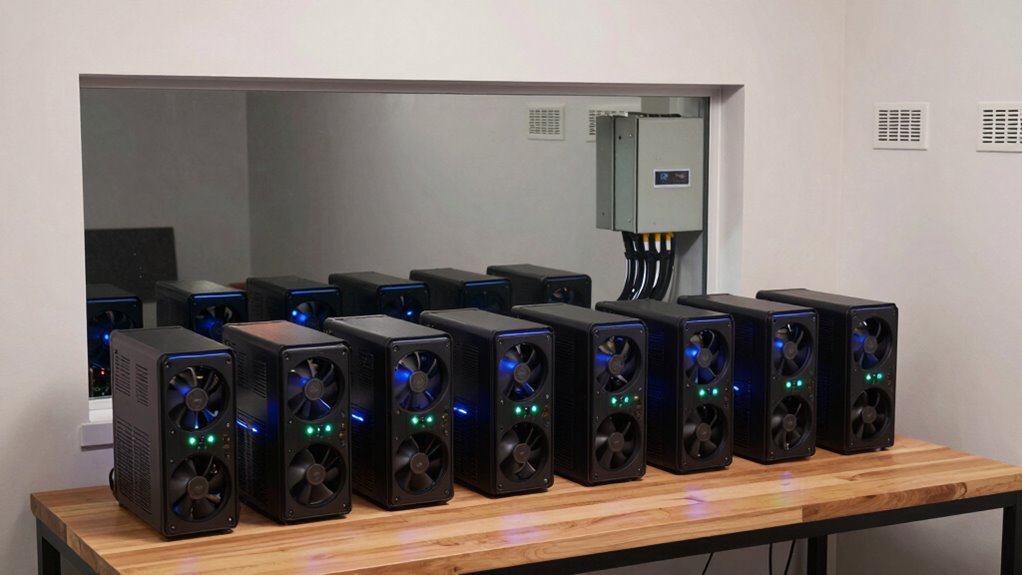
To build a home mining corner that won’t spike your power bill, choose a well-ventilated space with good airflow, like a spare room or basement corner. Opt for energy-efficient hardware and use certified high-efficiency power supplies. Keep the area cool with fans or air conditioning and soundproof it to reduce noise. Organize equipment safely and regularly clean dust to maintain performance. Stay mindful of energy use and temperature levels—more tips to help you optimize your setup are ahead.
Key Takeaways
- Select a well-ventilated, spacious area to improve airflow and reduce cooling costs.
- Choose energy-efficient mining hardware and certified power supplies to lower electricity consumption.
- Implement effective cooling solutions like fans or air conditioning to maintain hardware lifespan and reduce energy use.
- Enclose noisy equipment and place it away from living spaces to minimize noise and disturbance.
- Regularly monitor power consumption and temperatures to optimize performance and prevent excessive energy bills.
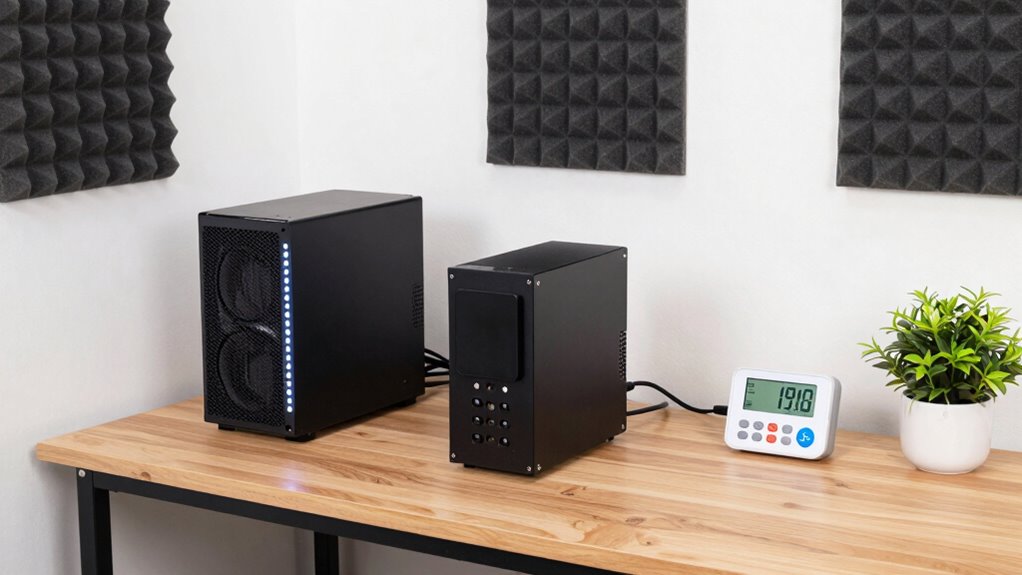
Are you ready to set up a dedicated mining space at home? Creating a home mining corner can be a rewarding project, but it’s essential to plan carefully to keep your energy costs and noise levels manageable. The first step is choosing the right location. Opt for a space with good ventilation and minimal foot traffic, like a spare room or basement corner. Proper airflow helps keep your hardware cool, reducing energy consumption and extending the lifespan of your equipment.
Next, focus on energy efficiency. Mining rigs consume a significant amount of power, so selecting hardware that balances performance with low energy use is critical. Look for GPUs or ASIC miners with high efficiency ratings to maximize output while minimizing electricity consumption. Consider investing in power supplies with high efficiency ratings, such as 80 Plus Gold or Platinum certifications. These help reduce wasted energy and lower your overall electricity bill. Installing a smart power strip or a dedicated circuit can also prevent power surges and maximize energy use. Keep in mind that cooling your equipment effectively is essential—overheating leads to higher energy use and potential hardware failure. Use fans or an air conditioning unit to maintain a stable, cool environment, which in turn improves energy efficiency.
Noise reduction is another key factor. Mining rigs can be loud, with fans spinning at high speeds to cool components. To avoid disturbing your household or neighbors, consider soundproofing your space. You can place your mining hardware inside enclosures lined with sound-absorbing materials like foam panels or acoustic blankets. Positioning noisy equipment away from living areas minimizes disruption. Additionally, choose quieter fans or upgrade to models specifically designed for low noise output. Managing cable clutter and airflow paths also helps reduce vibrations and noise transmission, creating a more tranquil environment. Incorporating proper maintenance practices can further extend the lifespan of your equipment and optimize performance over time. Being aware of power consumption and monitoring it regularly can help prevent unexpected increases in your electricity costs. Implementing proper airflow management techniques can also significantly reduce noise levels and improve cooling efficiency. Moreover, paying attention to hardware placement ensures optimal airflow and noise reduction.
Furthermore, selecting the right projector technology can create an enjoyable entertainment space if you plan to combine your mining corner with a home theater setup. Organize your mining setup for safety and efficiency. Use sturdy racks or shelves to keep equipment off the floor and promote better airflow. Regularly clean dust from your hardware to prevent overheating and maintain performance. Keep an eye on your energy consumption and temperature levels, adjusting your setup as needed to maintain ideal efficiency and noise levels. A well-planned home mining corner not only saves you money but also ensures that your mining activities don’t interfere with daily life. With thoughtful placement, energy-conscious hardware choices, and noise mitigation strategies, you can enjoy mining without the usual headaches of high power bills and disruptive noise.

Bitcoins Miner BG02 GPU Mining Rig, 7TH/S Bitcoins Mining Machine, SHA-256 Algorithm Support BTC/BCH, 150W Low Power Consumption&LowNoise, RJ45 Network Port & WiFi Network Connection
High Efficiency & Powerful Hashrate: GPU Bitcoins Miner Equipped with a efficient SHA-256 algorithm chip with powerful 7TH/S±5%…
As an affiliate, we earn on qualifying purchases.
As an affiliate, we earn on qualifying purchases.
Frequently Asked Questions
What Are the Best Locations in My Home for a Mining Setup?
You should place your mining setup in a location with good airflow, like a basement or garage, to enhance power efficiency and reduce noise. Avoid living spaces to minimize disturbance and noise pollution. Opt for an area with stable temperature to prevent overheating. Using soundproofing materials helps with noise reduction, while proper ventilation boosts cooling, ensuring your equipment runs smoothly without spiking your power bill.
How Much Space Do I Need for a Small Mining Corner?
Think of your mining corner as a cozy nook, needing just enough space to dance with your mining hardware comfortably. You’ll want around 3×3 feet for a small setup—room for your rig, proper ventilation, and easy access. Prioritize power efficiency by choosing compact hardware and smart cooling. With this space, you’ll keep your equipment running smoothly without turning your home into a power-hungry fortress.
Can I Mine While Away From Home?
Yes, you can mine while away from home if you prioritize energy efficiency and noise reduction. Use remote management tools to control your mining rig from afar, and guarantee your setup has efficient cooling to minimize noise and power consumption. Investing in energy-efficient hardware helps keep your power bills low, while soundproofing your mining corner reduces noise disturbances, allowing you to mine safely and discreetly even when you’re not physically present.
What Safety Precautions Are Necessary for Home Mining?
You should prioritize safety by ensuring proper ventilation requirements and noise mitigation. Good ventilation prevents overheating and reduces fire risks, so install exhaust fans or vents. Noise mitigation helps protect your peace and avoid disturbing neighbors. Confirm your setup has enough airflow and soundproofing, and never ignore electrical safety protocols. Regularly inspect equipment for damage, and keep flammable materials away from mining rigs to maintain a safe, efficient environment.
How Do I Monitor My Mining Equipment Remotely?
To monitor your mining equipment remotely, you can set up remote monitoring tools that connect to your mining rigs via the internet. These tools allow you to track performance, temperature, and power usage in real-time. Enable equipment alerts to notify you instantly of any issues like overheating or hardware failure. This way, you stay informed about your setup’s health and can take swift action if needed, all from anywhere.

HIGH POWER 750W 80 Plus Gold Certified PC Power Supply ATX 3.0 Compatible & PCIe 5.0 Compliant, Active PFC with Whisper 120mm Fan for Quiet Operation, and Reliable Performance
✅High Efficiency & Reliable Power Delivery: Our 750-watt power supply is 80 Plus Gold certified, ensuring exceptional energy…
As an affiliate, we earn on qualifying purchases.
As an affiliate, we earn on qualifying purchases.
Conclusion
Building a home mining corner is like planting a sturdy tree—careful planning and balance guarantee it grows strong without draining your resources. By choosing efficient equipment, managing ventilation, and monitoring your power usage, you create a safe haven for your mining venture that won’t overshadow your power bill. Stay attentive and tweak your setup as needed, and you’ll watch your mining operations flourish like a well-tended garden—bountiful and sustainable.
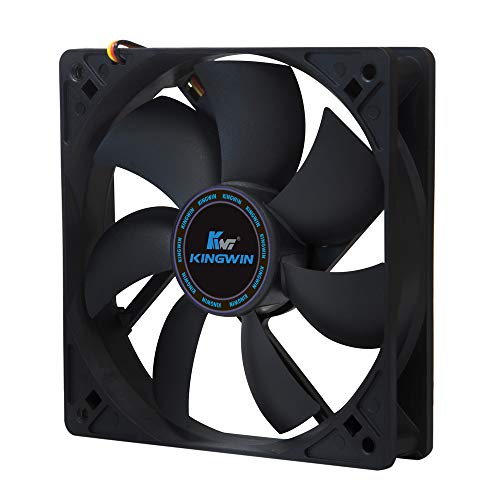
Kingwin 120mm Silent Fan for PC Cases, CPU Coolers, Mining Rigs – Quiet Computer Cooling Fan with Long Life Sleeve Bearing, High Airflow Ventilation – Black CF-012LB
special high profile fan blades for maximum air flow
As an affiliate, we earn on qualifying purchases.
As an affiliate, we earn on qualifying purchases.

PartyKindom Thick Deadening Box: 11" X 9. 8" Sound Proof Enclosure For Booster Water Pumps – Black Sponge Acoustic Cover – Noise Reduction Barrier Cover
Professional water pump fitment: designed as a sound proof enclosure, this acoustic cover perfectly fits booster water pumps,…
As an affiliate, we earn on qualifying purchases.
As an affiliate, we earn on qualifying purchases.