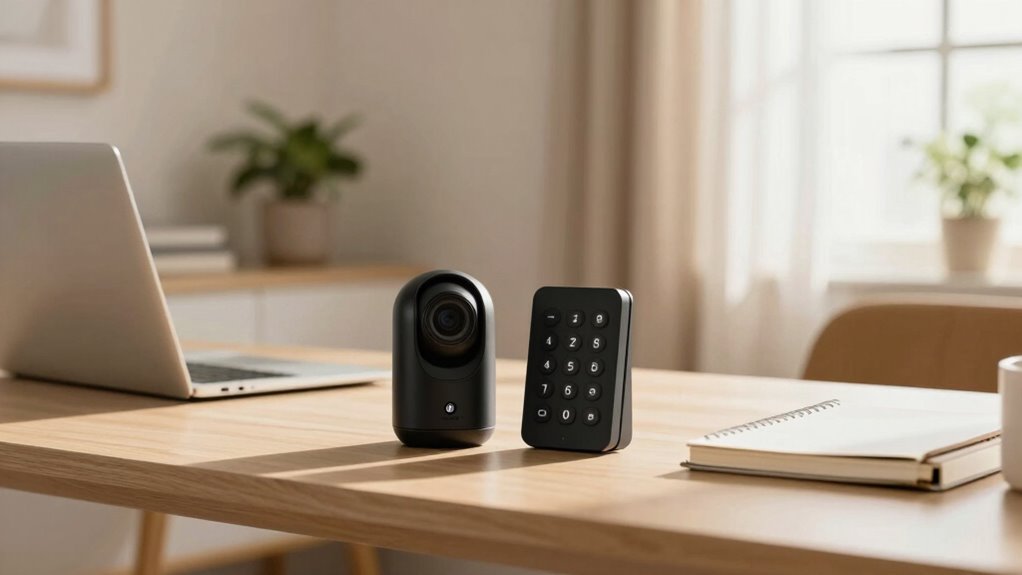

For shared home offices, a robust security bundle combines cybersecurity protocols, hardware encryption, network safeguards, and physical security measures. You should set clear rules, use strong, unique passwords with multi-factor authentication, and keep software updated. Securing Wi-Fi with WPA3, creating separate networks, and encrypting data on hardware devices add extra layers of protection. Keep hardware physically secure and educate everyone about phishing risks. This all-encompassing approach helps protect your data and privacy—if you want to see how all these elements work together, keep exploring.

Get hardware and tech essentials delivered free with Prime
- Fast, free delivery on millions of items
- Prime Video, Amazon Music and more included
- Member-only deals all year
Key Takeaways
- Implement layered security combining cybersecurity protocols, hardware encryption, and physical safeguards for comprehensive protection.
- Use strong, unique passwords with multi-factor authentication across all devices and accounts.
- Secure Wi-Fi with WPA3 encryption and separate networks for work and personal devices.
- Encrypt data on devices with hardware encryption for faster, more secure data protection.
- Keep hardware in locked, secure spaces and educate users on recognizing phishing and suspicious activity.
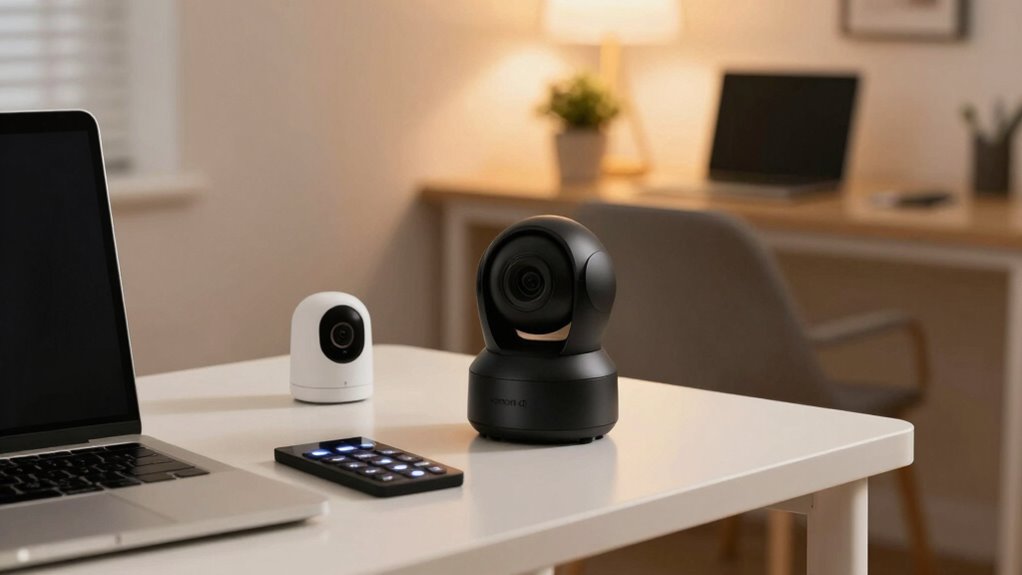
Shared home offices pose unique security challenges, especially when multiple people access the same space. You need a security bundle that guarantees your data stays private while keeping everyone’s devices protected. Implementing solid cybersecurity protocols is essential. These protocols help you establish clear rules for internet use, password management, and device access. For example, using strong, unique passwords for each account makes it harder for unauthorized users to gain entry. Multi-factor authentication adds an extra layer of security, requiring users to verify their identity through a secondary method, like a text message or authenticator app. Regularly updating software and firmware on all devices is imperative; it patches vulnerabilities and keeps security measures current.
Implement strong cybersecurity protocols like unique passwords, multi-factor authentication, and regular updates to protect shared home office data.
Hardware encryption plays a key role in safeguarding sensitive information. It encrypts data directly on the device, making it unreadable without the proper key. For shared home offices, investing in hardware-encrypted drives or laptops ensures that even if a device is stolen or accessed without permission, the data remains protected. This form of encryption is faster and more secure than software-based solutions, offering peace of mind for everyone sharing the space. Using encryption standards helps ensure compliance with industry best practices and regulations, and understanding how hardware encryption functions can further strengthen your data protection strategy.
You should also consider network security as part of your security bundle. Secure Wi-Fi networks with strong passwords and WPA3 encryption prevent outsiders from tapping into your internet connection. Segregating your work devices from personal devices by creating separate Wi-Fi networks can limit exposure and reduce the risk of malware spreading across devices. Regularly changing your Wi-Fi password and monitoring connected devices helps you stay in control of who has access. Additionally, understanding hardware encryption and its benefits can significantly enhance your data protection strategy.
Physical security measures are equally important. Keep your hardware in a locked cabinet or a secure space when not in use, especially if you have visitors or shared spaces. Using a privacy screen on your monitor prevents shoulder surfing and unauthorized viewing of sensitive information. Educate everyone in the shared space about security best practices—like avoiding suspicious links and recognizing phishing attempts—to foster a security-aware environment. Implementing cybersecurity protocols and physical precautions together creates a comprehensive security approach that addresses multiple vulnerabilities.
In a shared home office, a thorough security bundle means combining cybersecurity protocols, hardware encryption, network safeguards, and physical security. This holistic approach creates multiple layers of protection, making it difficult for cybercriminals to breach your defenses. By staying vigilant and maintaining these security measures, you can guarantee your data remains safe while everyone works comfortably in the same space.
Products Worth Considering

LG UltraGear 32GX870A-B 32-inch 4K OLED Gaming Monitor

LG UltraGear 45GX900A-B 45-Inch Curved OLED Gaming Monitor

LG 34GX90SA-W 34-inch Ultragear WQHD OLED Curved Gaming Monitor
As an affiliate, we earn on qualifying purchases.
Frequently Asked Questions
How Does the Security Bundle Protect Against Cyber Threats?
The security bundle protects against cyber threats by actively monitoring for cyber threat detection, alerting you to potential issues before they escalate. It also uses data encryption to safeguard your sensitive information, making it unreadable to hackers. With these features, you’re better equipped to prevent unauthorized access, data breaches, and malware attacks, ensuring your shared home office remains secure and your work stays private.
Can the Security System Be Customized for Different Shared Spaces?
Yes, the security system can be customized for different shared spaces. With shared space customization, you can set user-specific settings tailored to each area’s needs. This means you can assign access levels, notifications, and security protocols based on individual or group requirements. Such flexibility guarantees that everyone in your shared home office environment stays protected, while maintaining control over access and monitoring for each unique space.
What Is the Maintenance Requirement for the Security Devices?
Your security devices require minimal maintenance thanks to their durability. You should follow recommended maintenance schedules, like regular battery checks and software updates, to guarantee peak performance. Device durability means fewer repairs and replacements, making upkeep straightforward. By sticking to these schedules, you keep your security system reliable and effective, providing peace of mind in your shared home office environment. Regular maintenance helps prevent unexpected issues and prolongs device lifespan.
Are There Options for Remote Monitoring and Alerts?
You’ll find options for remote monitoring and alerts seamlessly integrated with your security system. As you manage visitors using virtual badges and visitor management, you’ll receive instant alerts on your device if any unusual activity occurs. This coincidence makes security effortless; you stay informed whether you’re at home or away, ensuring your shared home office remains protected without constant manual checks. It’s security that adapts to your busy schedule effortlessly.
How Does the Bundle Ensure Data Privacy for Users?
The bundle protects your data privacy through robust user privacy measures and data encryption. It guarantees that your sensitive information stays confidential by encrypting data both in transit and at rest, preventing unauthorized access. Additionally, it follows strict privacy policies to limit data collection and sharing. This way, you can confidently work from your shared home office, knowing your personal and professional data remains secure and private at all times.
Conclusion
A well-chosen security bundle is your shield in a shared home office, just like a lighthouse guides ships safely through dark waters. By investing in the right tools, you create a safe space where productivity can flourish without worry. Don’t let vulnerabilities cast shadows over your workday. With the right security measures, you’ll feel as protected as a fortress, ready to face any challenge. Keep your shared workspace secure, and let peace of mind be your constant companion.