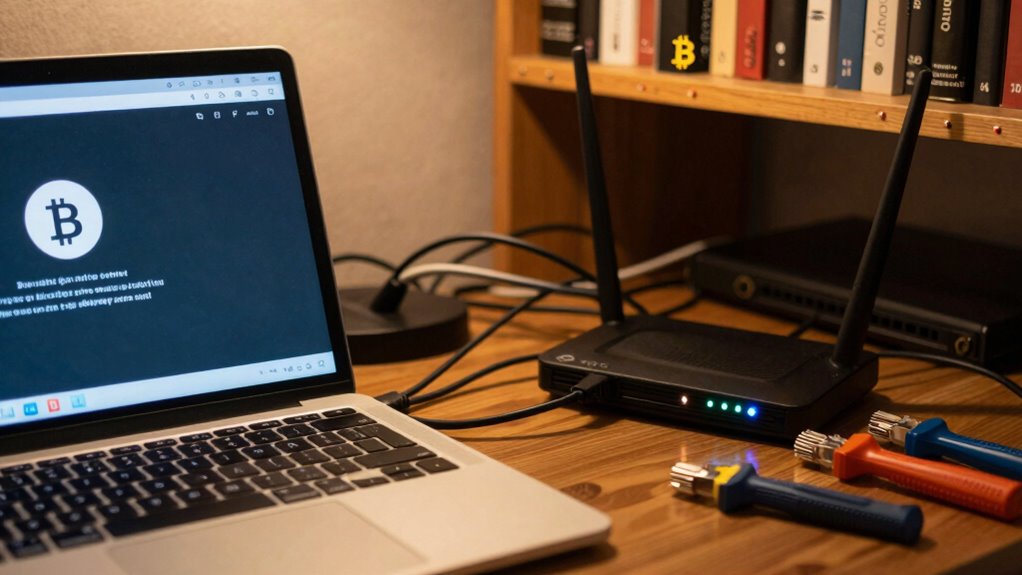

Your Bitcoin node can disconnect, crash, or fall behind if your home network is unreliable. Wireless interference from electronic devices, thick walls, or neighboring Wi-Fi networks weakens signals and causes drops in connection. Network congestion from multiple devices sharing bandwidth further slows things down. Poor management and lack of prioritization make your node vulnerable to these issues. Keeping your network optimized and stable is essential if you want your node to run smoothly—more details are just ahead.
Key Takeaways
- Wireless interference causes unstable connections, leading to node crashes or missed blocks.
- Network congestion from multiple devices reduces bandwidth, impairing node synchronization.
- Thick walls and electronic devices weaken signals, decreasing connection reliability.
- Poor network management and lack of prioritization increase the risk of node downtime.
- Unoptimized networks lead to inconsistent connectivity, causing node failures and data loss.
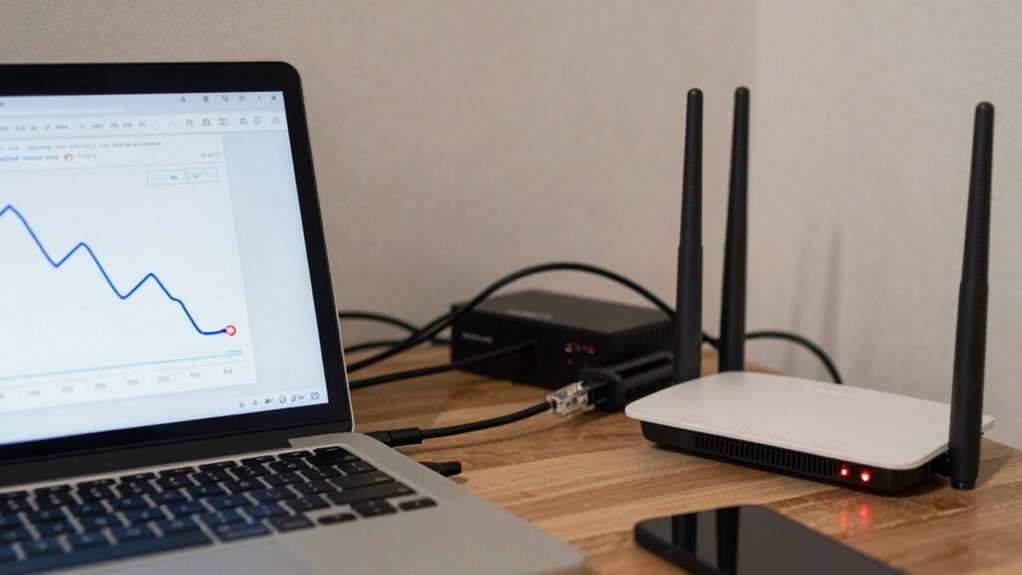
Running a Bitcoin node at home can be rewarding, but if your network isn’t set up properly, it can lead to frustrating issues and decreased performance. One common problem is wireless interference, which can disrupt your connection and cause your node to go offline unexpectedly. Wireless signals are susceptible to interference from other electronic devices, thick walls, or even neighboring Wi-Fi networks operating on the same frequency. When interference occurs, your node might experience dropped connections or inconsistent data flow, making it difficult to stay synchronized with the blockchain. This can result in the node crashing or failing to process new blocks efficiently. Additionally, using a high-quality router can help manage traffic more effectively and reduce interference issues.
Network congestion is another major factor that can cause your Bitcoin node to die. When too many devices are using the same network bandwidth, your node gets starved of the data it needs to operate smoothly. Streaming videos, online gaming, smart home devices, and multiple users streaming or downloading files can all congest your network, reducing the available bandwidth for your node. This slowdown leads to longer synchronization times, missed blocks, or even disconnects, which can cause your node to become unresponsive or crash. If your network isn’t prioritized for your Bitcoin node, these issues become even more pronounced. Network stability is essential for maintaining a reliable environment for your node’s operation. Regularly checking your network’s performance can help identify potential bottlenecks before they impact your node. Incorporating proper network management techniques can further enhance stability and prevent unexpected downtime. Ensuring your network is optimized for consistent connectivity can significantly improve your node’s uptime and efficiency.

TP-Link AC1200 Gigabit Dual Band WiFi Router (Archer A6)
- High-Speed Dual Band WiFi: Up to 1200 Mbps for smooth streaming
- Gigabit Ethernet Ports: 4 LAN ports for wired devices
- Extended Coverage: Four antennas with Beamforming technology
As an affiliate, we earn on qualifying purchases.
As an affiliate, we earn on qualifying purchases.
Frequently Asked Questions
Can a Bitcoin Node Run on a Mobile Home Network?
Yes, you can run a Bitcoin node on a mobile home network, but it’s challenging. Mobile networks often face power outages and unstable connections, which can cause your node to disconnect or fail. To improve stability, consider using cloud storage for backups and guarantee your device has a reliable power source. Regularly monitor your connection, and be prepared for interruptions that could affect your node’s performance.
How Does Network Latency Affect Bitcoin Node Stability?
Network latency can profoundly impact your Bitcoin node’s stability. When latency is high, it causes delays in communication, making your node struggle to sync or respond quickly. Bandwidth throttling and packet loss worsen this issue, leading to dropped connections and incomplete data transfers. These disruptions can cause your node to disconnect or crash, reducing its reliability. Ensuring a stable, low-latency connection helps keep your node running smoothly and efficiently.
What Hardware Specs Are Ideal for a Reliable Bitcoin Node?
For a trustworthy Bitcoin node, you need a system with at least 8GB of RAM, a fast processor, and a solid-state drive (SSD) with ample disk space—preferably 500GB or more—to support node synchronization. An SSD guarantees quick data access, reducing sync time. Additionally, a stable internet connection helps maintain consistent network communication, preventing disconnects and making certain your node stays up-to-date and functional.
Does VPN Usage Impact Bitcoin Node Connectivity?
VPN interference can impact your Bitcoin node’s connectivity, causing frequent disconnections or delays. It may also introduce network congestion, slowing down data transfer between your node and the network. If you notice issues, try disabling the VPN temporarily to see if stability improves. Keep in mind, some VPNs might block certain ports or restrict bandwidth, further affecting your node’s ability to sync smoothly and stay online consistently.
How Often Should I Restart My Home Router for Stability?
Think of your router like a diligent gardener—regular pruning keeps it healthy. You should restart it every few weeks to maintain stability, especially after firmware updates or power outages. These resets clear bugs and refresh connections, preventing issues that could cause your Bitcoin node to go offline. Regular restarts help guarantee your network stays reliable, allowing your node to stay synchronized and secure without unexpected interruptions.

WiFi Router Cover, WiFi RF Blocking Wireless, Blocks 5G Protective Cover 13.7 x 15.7
- RF Shielding Effectiveness: Over 60dB shielding from 10MHz to 3GHz
- Material Composition: Copper with breathable radiation fabric
- Adjustable Placement: Partial or full cover for signal control
As an affiliate, we earn on qualifying purchases.
As an affiliate, we earn on qualifying purchases.
Conclusion
Just as Icarus couldn’t escape the sun’s wrath, your Bitcoin node falters when poor home networking leaves it stranded in the sky. Without a stable connection, your node’s wings melt, and it crashes back to Earth, losing sync and risking wallet security. Remember, even Daedalus’s maze required a steady hand. Keep your network reliable, and your node will stay resilient, soaring through the blockchain’s labyrinth, instead of falling into the shadows of disconnection.
network bandwidth monitor for home
As an affiliate, we earn on qualifying purchases.
As an affiliate, we earn on qualifying purchases.

TP-Link Deco X55 AX3000 WiFi 6 Mesh System – Covers up to 6500 Sq.Ft, Replaces Wireless Router and Extender, 3 Gigabit Ports per Unit, Supports Ethernet Backhaul, Deco X55(3-Pack)
- Wi-Fi 6 Mesh Technology: AX3000 speeds for seamless connectivity
- Wide Coverage: Up to 6500 sq. ft. of coverage
- Supports Multiple Devices: Connects up to 150 devices
As an affiliate, we earn on qualifying purchases.
As an affiliate, we earn on qualifying purchases.