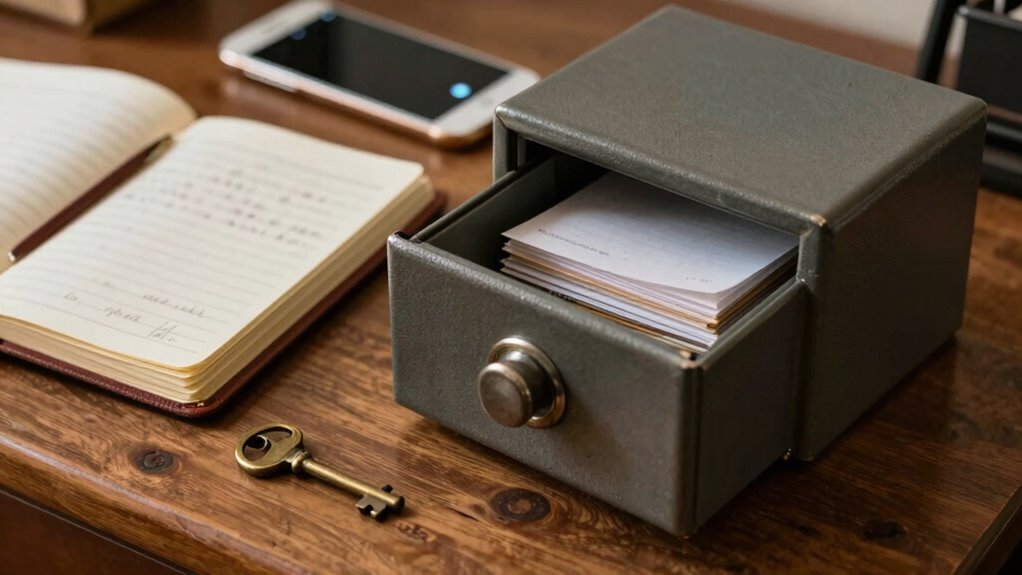

You prioritize security and control for sensitive records, and local backups give you that reassurance. They keep your data within your reach, reducing exposure to hacking, breaches, and vulnerabilities during transmission or storage. Plus, you can implement robust security measures, encrypt your files, and physically safeguard your backups. Local storage also guarantees quick access during outages or emergencies. If you want to understand why, explore how local backups provide unmatched safety and reliability for your most critical data.

Get hardware and tech essentials delivered free with Prime
- Fast, free delivery on millions of items
- Prime Video, Amazon Music and more included
- Member-only deals all year
Key Takeaways
- Local backups offer full control over security measures, reducing reliance on potentially vulnerable cloud systems.
- They eliminate risks associated with data transmission, hacking, and breaches during online transfers.
- Immediate access to data is possible without internet dependence, ensuring availability during outages.
- Physical safeguards and encryption control protect sensitive information from unauthorized access.
- Local backups support data sovereignty, ensuring compliance with jurisdiction-specific privacy and security regulations.
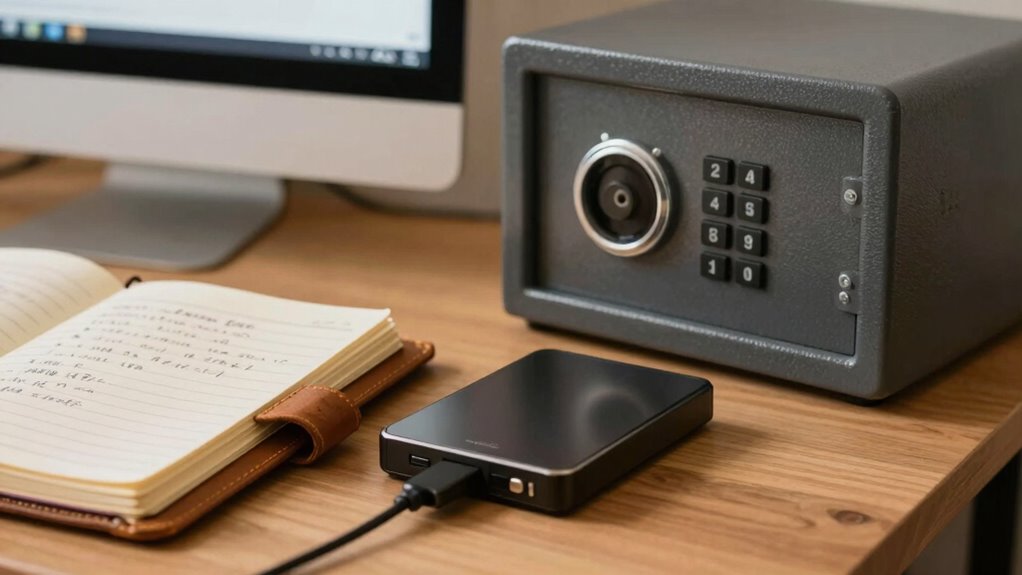
While cloud backups offer unmatched convenience, they often fall short when it comes to the security needs of sensitive records. When you’re dealing with confidential information, you need more than just easy access—you need assurance that your data remains private and protected. Cloud encryption plays a critical role here, but even the best encryption can’t guarantee absolute security if vulnerabilities exist during transmission or storage. Plus, relying solely on cloud services exposes you to potential breaches, hacking, or data leaks beyond your control. While remote access makes it simple to retrieve your backups from anywhere, it also expands the attack surface, making your sensitive data a tempting target for cybercriminals. Hackers might exploit vulnerabilities during data transfer or gain unauthorized access if security measures aren’t airtight.
In contrast, local backups give you direct control over your data, reducing the risks associated with remote vulnerabilities. When you store backups on external drives or local servers, you eliminate the need to transmit data over the internet, decreasing the chances of interception or breach. You can implement robust security measures—like strong encryption keys and physical safeguards—that you control entirely. This control is crucial when handling sensitive records that require strict confidentiality. You can also choose to encrypt your local backups, adding an extra layer of security that’s entirely under your authority. data sovereignty is an important consideration that local backups help support, ensuring your data remains within your chosen jurisdiction and under your control. Additionally, using local storage allows for customization of security protocols tailored to the specific sensitivities of your records. Implementing encryption methods for local backups further enhances their security, providing peace of mind for sensitive information. Moreover, local backups can be more resilient against cyberattacks, as they are less exposed to online threats.
Furthermore, local backups enable you to maintain consistent, immediate access without worrying about internet outages or service disruptions. You’re not dependent on remote servers or third-party platforms, which means your data is available whenever you need it without delays. This immediacy is vital when handling sensitive records that demand prompt retrieval, such as legal documents, financial data, or personal health information. Plus, local backups reduce the risk of data loss from cloud provider outages or accidental deletions. You control when and how you update your backups, avoiding potential synchronization issues or data corruption that sometimes occur with remote systems.
external hard drive for data backup
As an affiliate, we earn on qualifying purchases.
As an affiliate, we earn on qualifying purchases.
Frequently Asked Questions
How Do Local Backups Compare to Cloud Backups in Security?
You’ll find local backups generally offer better security than cloud backups because you control the environment, using strong encryption protocols to protect your data. Plus, local backups provide data redundancy, reducing reliance on internet connections and minimizing risks of remote breaches. With local backups, you can quickly access and verify your data, ensuring sensitive records stay private and secure, especially if you implement robust encryption and regular redundancy checks.
What Are the Cost Differences Between Local and Cloud Backups?
You’ll find that local backups often cost less upfront because you don’t pay ongoing subscription fees like with cloud services. Plus, with local backups, you control encryption standards and backup redundancy, which can reduce expenses over time by avoiding additional cloud storage charges. However, keep in mind that initial hardware investments for local backups might be higher, but long-term, they usually prove more cost-effective for sensitive records requiring strict security measures.
How Often Should Sensitive Records Be Backed up Locally?
You should back up sensitive records locally at least weekly, but ideally daily, depending on how frequently the data changes. Use robust encryption protocols to protect your backups, guaranteeing confidentiality. Implement a backup rotation strategy to avoid data corruption or loss, keeping multiple copies in different locations. Regular backups combined with strong encryption and rotation help guarantee your sensitive records remain secure and recoverable whenever needed.
What Are Common Risks of Relying Solely on Cloud Backups?
Relying solely on cloud backups exposes you to risks like data breaches if encryption protocols aren’t strong enough. Cloud services may experience outages or cyberattacks, leading to data loss. Without backup redundancy, a single cloud failure can wipe out your sensitive records entirely. To protect yourself, use robust encryption protocols and maintain local backups as a fail-safe, ensuring your data remains secure and accessible even if cloud issues arise.
How Can I Ensure the Physical Safety of Local Backup Devices?
Physical storage is vulnerable, but with proper disaster preparedness, you can safeguard your local backups. You should store devices in secure, fireproof, and waterproof safes, preferably off-site, to protect against theft, fire, or flooding. Regularly update and test backups to guarantee they work. Keep multiple copies in different locations, and consider investing in surveillance or alarm systems to deter theft, making your physical backup more resilient.
encrypted local backup storage device
As an affiliate, we earn on qualifying purchases.
As an affiliate, we earn on qualifying purchases.
Conclusion
Think of your sensitive records as a treasure chest hidden deep within a fortress. Relying solely on convenience is like leaving your treasure unguarded in an open field—easy to access but vulnerable. Local backups are your fortress walls, providing strong, immediate protection you can trust. When it comes to safeguarding your most valuable information, don’t settle for shadows or whispers. Build your fortress solid and keep your treasure safe, no matter how tempting convenience might seem.
USB flash drive with hardware encryption
As an affiliate, we earn on qualifying purchases.
As an affiliate, we earn on qualifying purchases.
local backup server for sensitive data
As an affiliate, we earn on qualifying purchases.
As an affiliate, we earn on qualifying purchases.
Fall Picks
fall essentials
As an affiliate, we earn on qualifying purchases.