Using rackmount monitors and KVM gear saves you time by allowing you to control multiple servers from a single interface, reducing the need to switch devices or move between physical machines. You can quickly troubleshoot, perform maintenance, and monitor hardware health remotely, minimizing downtime and avoiding trips to the data center. These tools streamline workflows, cut down on routine tasks, and help you respond faster to issues—all while maintaining system uptime. Keep exploring to discover how these solutions can maximize your efficiency even further.
Key Takeaways
- Centralized displays and control streamline server management, reducing time spent switching devices or locating hardware.
- Remote access capabilities enable troubleshooting and updates without physical presence, saving travel and downtime.
- Quick hardware diagnostics and component swapping accelerate maintenance and problem resolution.
- Automated monitoring and alerts facilitate proactive management, preventing unexpected failures and downtime.
- Integrated workflows and fewer cable connections improve operational efficiency and reduce overall management time.
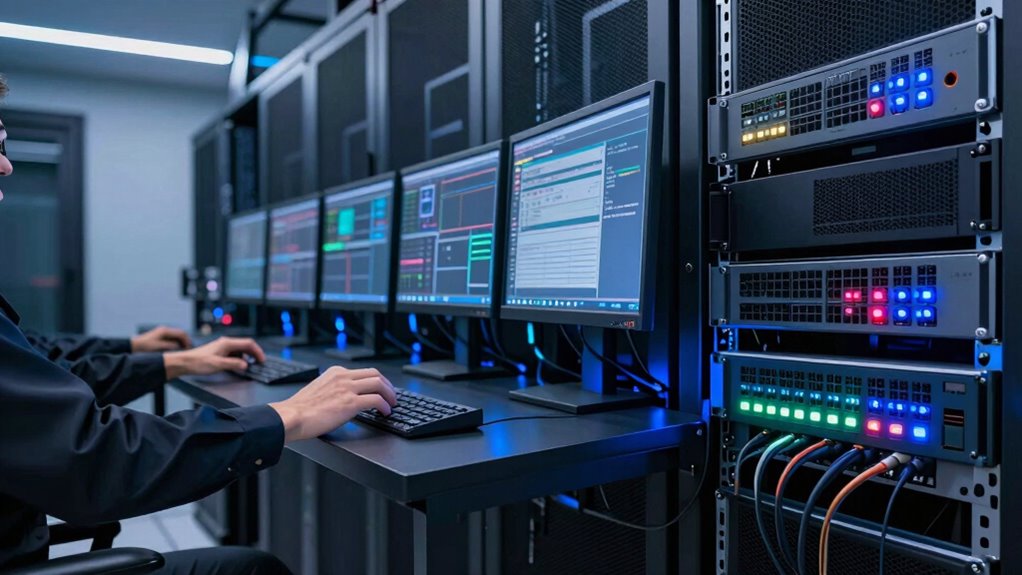
In today’s fast-paced tech environments, managing multiple servers and devices efficiently is essential, and rackmount monitors paired with KVM gear make this easier than ever. When you’re overseeing a data center or a server room, switching between different systems quickly and reliably is crucial. Rackmount monitors provide a centralized display solution, allowing you to view multiple servers without cluttering your workspace. Coupled with KVM (Keyboard, Video, Mouse) switches, you can control several servers from a single console, reducing the need for multiple monitors and peripherals. This setup streamlines your workflow, saving you valuable time during routine tasks and urgent interventions.
Remote management becomes significantly more straightforward with rackmount monitors and KVM gear. Instead of physically accessing each server, you can manage them remotely through the KVM’s integrated controls and network capabilities. This means less travel time and fewer disruptions, especially when troubleshooting hardware issues. When a server malfunctions, you don’t have to run around the data center or wait for someone else to check the hardware. Instead, you can diagnose and resolve problems from your desk, often in real-time. The ability to monitor hardware health, view system logs, and perform firmware updates remotely accelerates your response time and minimizes downtime.
Hardware troubleshooting is also simplified with this setup. If a server encounters a hardware failure, you can quickly access the BIOS, perform diagnostics, or swap out components without physically moving to the server rack. The integrated solution allows you to see detailed hardware statuses, error messages, and logs directly on your rackmount monitor, enabling faster decision-making. You spend less time hunting down issues and more time implementing solutions. Plus, since KVM switches support multiple systems, you can troubleshoot multiple servers simultaneously, avoiding delays caused by switching devices or disconnecting cables. Additionally, reliable hardware management and hardware monitoring tools enhance overall system uptime and reduce the risk of unexpected failures. Furthermore, leveraging remote access capabilities can significantly improve your ability to respond swiftly to critical system alerts. Incorporating proactive maintenance strategies further ensures that potential issues are identified early, preventing disruptions before they occur. Properly configured systems and efficient workflows are key to maintaining high availability and minimizing operational costs.
As an affiliate, we earn on qualifying purchases.
Frequently Asked Questions
How Do Rackmount Monitors Improve Troubleshooting Efficiency?
Rackmount monitors improve troubleshooting efficiency by providing remote management capabilities, so you don’t have to be physically present. Their visual clarity allows you to quickly identify issues without guesswork, saving time. You can monitor multiple systems simultaneously, reducing downtime. This setup streamlines diagnostics, enabling you to respond faster and keep everything running smoothly, ultimately boosting productivity and minimizing disruptions.
Can KVM Gear Support Multiple Operating Systems Simultaneously?
Yes, KVM gear can support multiple operating systems simultaneously, making it a powerful tool for multi OS management. Like a bridge connecting diverse islands, it seamlessly switches between different OS environments. This flexibility hinges on hardware compatibility, ensuring your KVM switch can handle various OS types without hiccups. With this setup, you save time and boost efficiency, managing multiple systems effortlessly from a single console.
What Is the Typical Setup Time for Rackmount Monitor Systems?
The typical setup time for rackmount monitor systems ranges from 30 minutes to a few hours, depending on complexity. You’ll want to focus on effective cable management to streamline installation and future maintenance. Incorporate power redundancy to guarantee reliability, which might add time initially but saves you from future downtime. Proper planning, organized cables, and backup power configurations help you set up quickly and maintain system stability.
Are Rackmount Monitors Compatible With All Server Brands?
Rackmount monitors are generally compatible with most server brands, but you should check each monitor’s specifications for server compatibility. Many models offer brand versatility, supporting a wide range of systems via standard connectors and protocols. However, it’s crucial to verify compatibility with your specific server brand to ensure seamless integration. Doing so saves you time and avoids potential technical issues, making your setup process much smoother.
How Do KVM Switches Enhance Security in Data Centers?
KVM switches enhance security in data centers by limiting physical access to servers, reducing the risk of unauthorized entry. They centralize control, making it easier to monitor and manage network security protocols. Plus, many KVM switches support data encryption, safeguarding sensitive information during remote access. This combination of physical control and data encryption minimizes vulnerabilities, ensuring your data remains protected against cyber threats and unauthorized intrusions.
As an affiliate, we earn on qualifying purchases.
Conclusion
Rackmount monitors and KVM gear are your time-saving allies, streamlining your workflow like a well-oiled machine. They cut down on clutter, eliminate the need to shuffle between devices, and let you access multiple servers effortlessly. Think of them as the backbone of efficiency, turning what could be chaos into a smooth, coordinated dance. Embrace this gear, and you’ll find your productivity soaring, making your workspace feel like a well-tuned orchestra rather than a tangled mess.
remote server management console
As an affiliate, we earn on qualifying purchases.
As an affiliate, we earn on qualifying purchases.
As an affiliate, we earn on qualifying purchases.