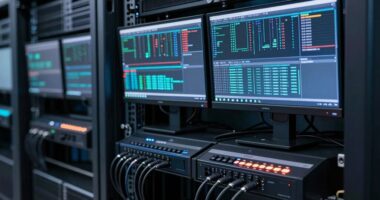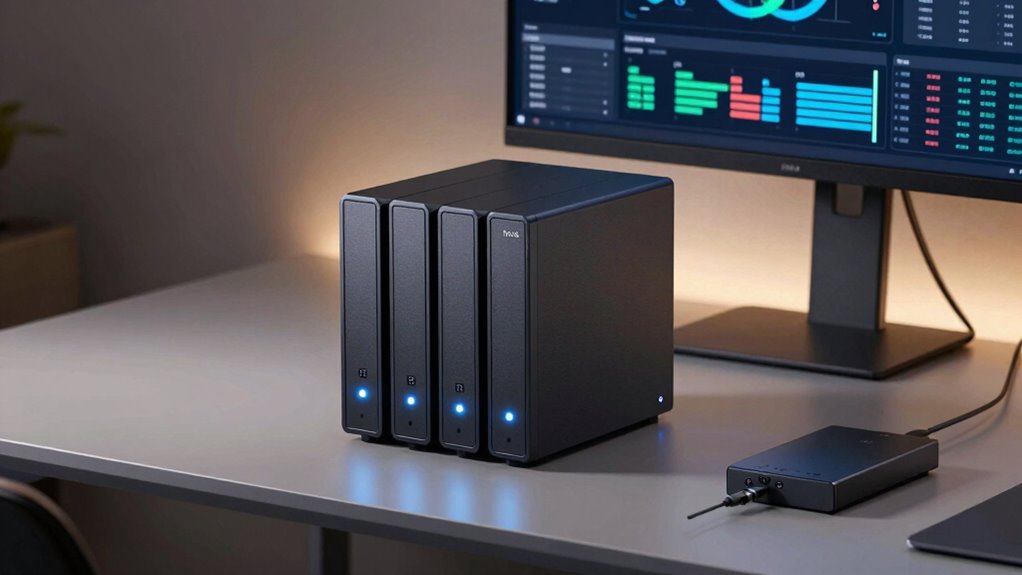

For serious operators, a NAS offers scalable, secure storage that external drives can’t match. It integrates seamlessly with cloud backups, keeps data synchronized, and allows multiple users to access files simultaneously. You can access your data remotely and set automation tools to simplify workflows. Plus, with advanced encryption and security features, your sensitive information stays protected. If you want to learn how a NAS can truly enhance your data management, keep exploring the benefits it brings.

Get hardware and tech essentials delivered free with Prime
- Fast, free delivery on millions of items
- Prime Video, Amazon Music and more included
- Member-only deals all year
Key Takeaways
- NAS supports seamless cloud backup and data synchronization, reducing data loss risk and ensuring off-site security.
- Advanced encryption and security protocols protect sensitive data better than external drives.
- Scalability and multi-user access make NAS ideal for growing, collaborative environments.
- Remote access and automation tools enhance efficiency and proactive management for serious operators.
- NAS offers a more secure, reliable, and scalable storage solution compared to portable external drives.
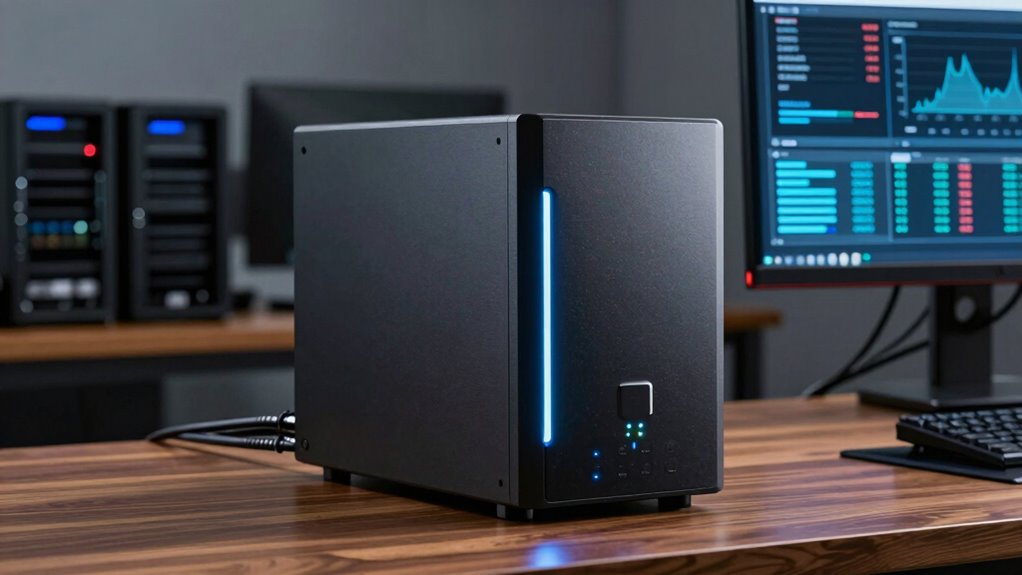
Ever wondered which storage solution best suits your needs—NAS or an external drive? The answer hinges on what you prioritize: security, scalability, or accessibility. For serious operators, NAS (Network-Attached Storage) often proves more valuable because it offers features beyond simple storage. One key advantage is its ability to integrate seamlessly with cloud backup services, allowing you to keep your data synchronized across devices and locations. This setup reduces the risk of data loss due to hardware failure or theft and guarantees you always have a secure, off-site copy. External drives, while convenient, lack this built-in connectivity, forcing you to manually back up data or use third-party solutions, which can become cumbersome and less reliable over time.
NAS offers seamless cloud backup integration, ensuring secure, synchronized data across multiple devices and locations.
Security is a major concern for anyone handling sensitive information, and NAS devices excel here because of their advanced data encryption capabilities. You can encrypt data directly on the NAS, ensuring that even if the device is compromised, your information remains protected. This level of data encryption is often built into NAS systems with robust security protocols, making them suitable for businesses or individuals who need to safeguard their data against unauthorized access. External drives, on the other hand, typically offer basic encryption options at best, and their physical portability increases the risk of theft or loss. When you’re serious about data security, NAS provides a thorough layer of protection that external drives simply can’t match. Additionally, the contrast ratio of a NAS’s display or interface can influence how easily you navigate and manage your data, especially in high-pressure situations.
Beyond security, NAS devices shine in scalability and multi-user access. As your storage needs grow, you can easily expand your NAS by adding more drives or upgrading existing ones, without disrupting your workflow. Multiple users can access files simultaneously, which is essential for collaborative work environments. This shared access isn’t possible with external drives unless you connect them to a networked computer, and even then, it’s less efficient. NAS also offers remote access capabilities, so you can retrieve your files from anywhere—whether you’re in the office or on the go—without physically plugging in a drive. Moreover, data management features in NAS systems enable streamlined organization and backups, further enhancing their appeal for serious operators. Implementing automation tools in NAS systems can also help in reducing manual oversight and improving data consistency. These systems also typically include monitoring tools that help in diagnosing potential issues before they become serious problems, ensuring consistent data availability.
In contrast, external drives are best suited for quick, one-off backups or transferring files between devices. They don’t inherently support continuous cloud backup integration or multi-user environments. For serious operators needing a reliable, secure, and scalable storage solution, NAS stands out as the smarter choice. It combines the convenience of network connectivity with advanced security features like data encryption and cloud backup integration, making it a crucial tool for those who can’t afford to compromise on data integrity or accessibility.
Network Attached Storage NAS for small business
As an affiliate, we earn on qualifying purchases.
As an affiliate, we earn on qualifying purchases.
Frequently Asked Questions
How Does NAS Improve Collaboration for Team Projects?
You improve collaboration for team projects with a NAS by enabling cloud integration and remote access. This allows your team members to easily share, edit, and access files from anywhere, anytime. Unlike external drives, NAS offers centralized storage, reducing version conflicts and data loss. With real-time updates and secure remote connections, your team stays synchronized, boosting productivity and streamlining collaborative efforts across different locations.
Can NAS Systems Be Customized for Specific Workflows?
Think of a NAS system as a tailor-made suit for your workflows. You can personalize it to fit your specific needs, offering unmatched flexibility. This allows you to optimize your workflows by integrating specialized apps, setting unique permissions, or configuring storage tiers. Such customization guarantees your team operates smoothly, with a system that adapts to your evolving requirements—making your work more efficient and responsive.
What Are the Long-Term Cost Differences Between NAS and External Drives?
You’ll find that over time, NAS systems can be more cost-effective than external drives due to data redundancy features, which reduce the risk of data loss and expensive recovery. Although NAS may have higher initial costs, they often consume less power long-term, lowering electricity bills. External drives might seem cheaper upfront, but they lack these benefits, making NAS a smarter investment for serious operators who prioritize data integrity and efficiency.
How Does NAS Handle Data Backups and Disaster Recovery?
You’re protected like a fortress with a NAS! It automatically handles data backups through data redundancy, ensuring your files are duplicated across multiple drives. In disaster scenarios, recovery strategies kick in, restoring your data faster than you can blink. Unlike external drives, NAS offers continuous, automated backups, so you don’t lose critical data. It’s your ultimate safety net, keeping your digital world secure and resilient against any catastrophe.
Is NAS Suitable for Small Businesses or Only Large Enterprises?
Yes, NAS is suitable for small businesses because it offers scalable data storage and cloud integration, making it adaptable to growth. You can easily expand storage capacity as your needs increase, and cloud connectivity allows seamless remote access and backups. This flexibility helps small businesses stay efficient and secure without investing in large-scale enterprise solutions, ensuring they can manage data effectively now and in the future.
secure NAS device with encryption
As an affiliate, we earn on qualifying purchases.
As an affiliate, we earn on qualifying purchases.
Conclusion
So, next time you’re weighing storage options, picture your data as a bustling city — with a NAS, it’s like having a central hub, always ready, always connected. An external drive? Just a single road that can get blocked or lost. With NAS, your information flows smoothly, like a well-oiled machine, keeping everything accessible and secure. Choose wisely, and watch your digital world thrive, vibrant and resilient, no matter what comes your way.
As an affiliate, we earn on qualifying purchases.
As an affiliate, we earn on qualifying purchases.
Columbus Day / Indigenous Peoples' Day Picks
long weekend sales
As an affiliate, we earn on qualifying purchases.