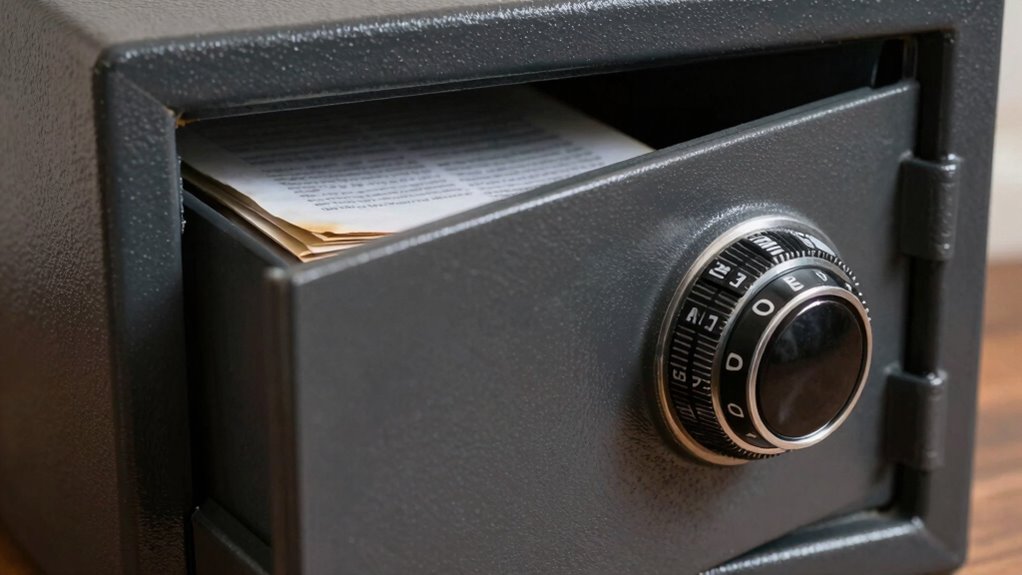

To store your passphrase securely, avoid plain text files or sticky notes. Instead, use a reputable password manager that encrypts and safeguards your credentials, ideally with multi-factor authentication for extra protection. If you prefer offline options, write it down and lock it in a safe place, away from digital threats. Regularly update your security methods, and keep backups secure. Staying careful with storage helps prevent new risks—more tips are just a step away.

Get hardware and tech essentials delivered free with Prime
- Fast, free delivery on millions of items
- Prime Video, Amazon Music and more included
- Member-only deals all year
Key Takeaways
- Use a reputable, encrypted password manager to securely store and manage your passphrases.
- Create a strong, unique master password for your password manager, and enable multi-factor authentication.
- Keep physical copies of your passphrase in a safe, locked location away from digital devices.
- Avoid storing passphrases in plain text files, digital notes, or cloud storage.
- Regularly update your security practices and software to minimize vulnerabilities.
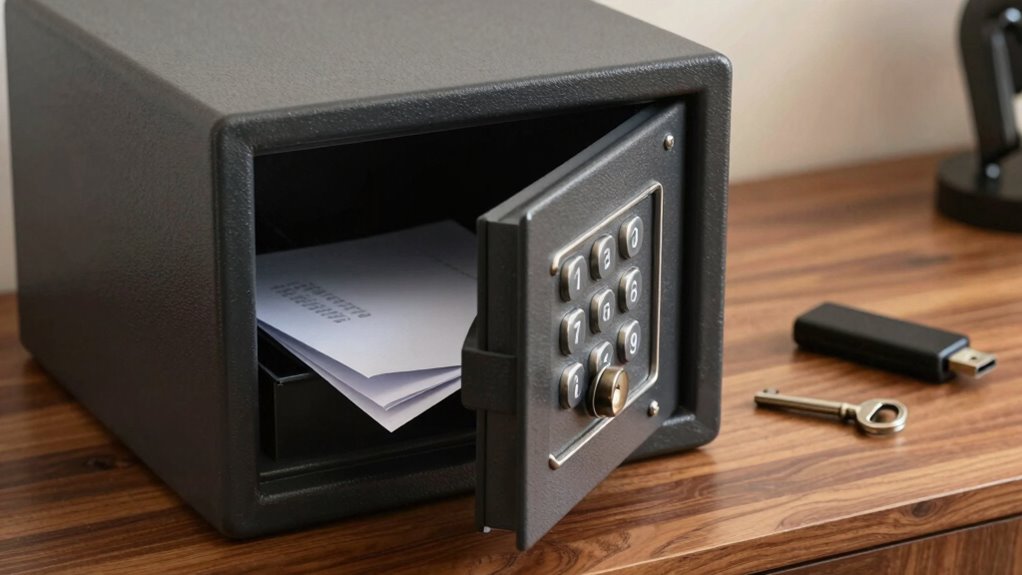
Have you ever wondered how to securely store your passphrase? Protecting your digital assets is essential, and storing your passphrase improperly can lead to disastrous consequences. The first step is understanding that a strong passphrase isn’t just about length; it also involves password complexity. Your passphrase should be a mix of upper and lowercase letters, numbers, and special characters. Avoid common words or predictable patterns, as these make it easier for hackers to crack your security. The more complex your passphrase, the better your defenses. However, no matter how strong your passphrase is, relying solely on it isn’t enough. Implementing multi-factor authentication (MFA) adds an extra layer of security, making it markedly more difficult for unauthorized users to gain access even if they manage to get hold of your passphrase.
When it comes to storing your passphrase, don’t keep it written on a sticky note attached to your monitor or saved plainly in a text file on your desktop. These are common mistakes that can easily be exploited. Instead, consider using a reputable password manager. These tools encrypt your passphrases and store them securely, meaning you only need to remember one strong master password. Make sure your master password is unique, complex, and not used anywhere else. This is your key to all your stored credentials, so don’t take it lightly. Additionally, many password managers support multi-factor authentication, which adds a second verification step when accessing your vault, further safeguarding your data. Ensuring your storage method is secure and reliable is crucial to prevent unauthorized access. Incorporating digital security best practices can help you stay ahead of potential threats. Furthermore, understanding and managing your cookie preferences can help limit exposure to tracking and potential vulnerabilities. Also, being aware of security vulnerabilities in your devices and software can help you take proactive measures to mitigate risks. Regularly updating your software and understanding common attack vectors can further enhance your security posture.
If you prefer not to use a password manager, you can create a memorable yet complex passphrase and store it offline. Write it down on a piece of paper and keep it in a safe, locked location—perhaps a fireproof safe or a secure drawer—away from prying eyes. Avoid digital notes or cloud storage for this purpose, as those can be hacked or accessed without your knowledge. Whichever method you choose, always guarantee your storage method is reliable and that you have a backup. Losing access to your passphrase can lock you out of your accounts, so consider having a secure backup plan.
Ultimately, the key to storing a passphrase without creating a second disaster is balancing password complexity with secure storage methods. Combine a strong, unique passphrase with multi-factor authentication whenever possible, and choose a storage solution that minimizes risk. By doing so, you greatly reduce the chances of falling victim to cyber threats and maintain better control over your digital security.
reputable password manager with multi-factor authentication
As an affiliate, we earn on qualifying purchases.
As an affiliate, we earn on qualifying purchases.
Frequently Asked Questions
What Are the Best Physical Storage Methods for Passphrases?
You should use durable, physical storage methods like engraved metal or laminated paper for your passphrase, ensuring it withstands wear and environmental damage. Conceal it with techniques like hiding it inside a book, beneath a false bottom, or within a secure container. These methods enhance physical durability and help keep your passphrase hidden from prying eyes, minimizing risks while maintaining easy access when needed.
How Often Should I Update My Stored Passphrase?
You should update your stored passphrase regularly, ideally every few months, to maintain security. Make certain your passphrase remains complex and unique, reducing the risk of compromise. When updating, choose a different storage location or method to avoid potential breaches. Regular updates keep your security strong, especially if you suspect your current storage method might be compromised. Staying vigilant with passphrase complexity and storage location is key to protecting your data effectively.
Can I Use a Digital Password Manager Safely?
You can use a digital password manager safely if you take precautions. Think of it as locking up your valuables; make sure it’s protected by encrypted backups and multi-factor authentication. These layers of security guard your passphrases against theft or hacking. Choose a reputable manager, keep your master password strong, and regularly update your security settings. When used wisely, a password manager becomes a reliable tool without turning your data into a digital paper trail.
What Are Common Mistakes When Storing Passphrases?
You often make mistakes by choosing simple passphrases or relying solely on digital storage. To avoid this, make sure your passphrase has high complexity, mixing letters, numbers, and symbols. Don’t forget to use memorable mnemonics to recall complex passphrases easily. Avoid writing them down openly or reusing the same passphrase across accounts. These habits help protect your security and prevent accidental leaks or breaches.
How Do I Recover a Lost Stored Passphrase?
If you lose your stored passphrase, try recalling it using memory techniques like visualization or association to jog your memory. Check any secure backup locations or encrypted password managers you’ve used before. Be cautious of security vulnerabilities—avoid revealing it to others or storing it in insecure places. If recovery isn’t possible, consider resetting your account credentials and updating your security measures to prevent future issues.
fireproof safe for storing passphrases
As an affiliate, we earn on qualifying purchases.
As an affiliate, we earn on qualifying purchases.
Conclusion
Remember, storing your passphrase securely is vital—you don’t want to risk losing access or falling victim to hacks. Use encryption tools or a trusted password manager, and avoid writing it down plainly. Did you know that 81% of hacking breaches are due to weak or stolen passwords? By following these best practices, you greatly reduce your risk and keep your digital life safe. Stay vigilant and protect what matters most.
offline password storage solutions
As an affiliate, we earn on qualifying purchases.
As an affiliate, we earn on qualifying purchases.
encrypted digital vault for passwords
As an affiliate, we earn on qualifying purchases.
As an affiliate, we earn on qualifying purchases.
Columbus Day / Indigenous Peoples' Day Picks
long weekend sales
As an affiliate, we earn on qualifying purchases.